 Web
RusliX PRO — meal box menu
A simple custom admin that saves repetitive manual work. The menu is put together on the phone and reaches the website with one button.
Together with Havírna in Letovice, Ruslan Volkov offers healthy meal boxes: breakfast, lunch and dinner for every weekday. The menu changes every week, and customers look for it on ruslix-pro.com. So the trainer got a simple admin: pick the meals for each day from a catalogue, save, and the website updates itself within a minute, with no retyping and no waiting for anyone else. It is a deliberately small tool for one specific task. We build similar apps for businesses that currently retype the same data into a website, spreadsheets or PDFs by hand. The first version was ready quickly, and the menu could be put together in it straight away. Everyday use then showed what else was needed: calories, meal photos and a choice of salads were added step by step as the client needed them.
An overview of the weeks
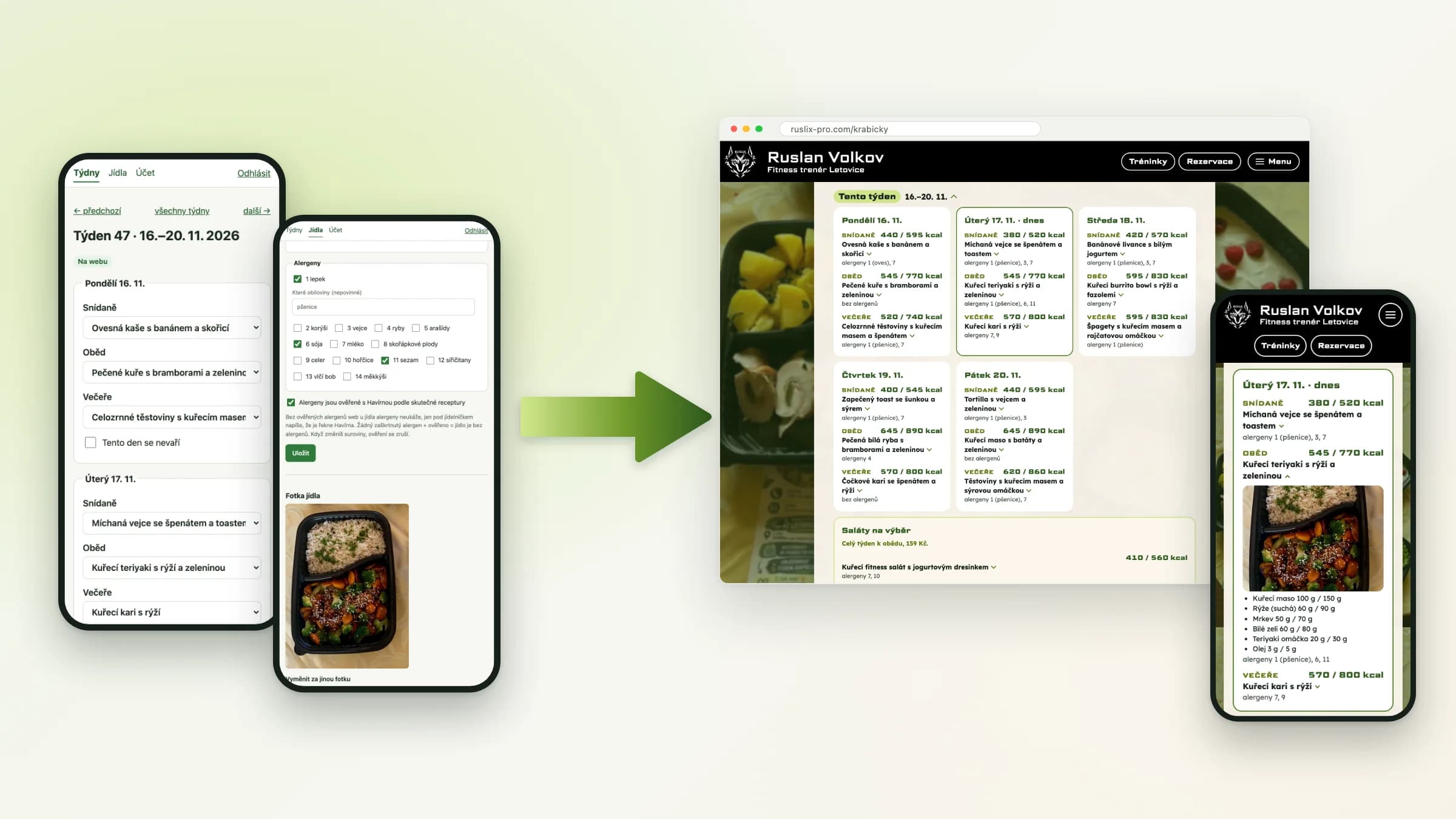
After signing in, the menu manager sees the current week and the next seven. Each one shows its status: on the website, a draft in progress, or empty. The website shows customers the current and the next week, so it is enough to have one week ready in advance.
- The current week and seven weeks ahead
- The status of every week at a glance
- A notice when the website shows an older version
The week is put together on the phone
For each day from Monday to Friday, a breakfast, lunch and dinner are picked from the catalogue. A public holiday or a day off is marked with a single "No cooking this day" checkbox. A finished week can be copied as the basis for the next one.
- Monday to Friday, breakfast, lunch and dinner
- Days off with an optional reason
- Copying the meals from another week
A meal catalogue with weights
Every meal in the catalogue has its ingredients with weights for a woman and a man, and calories. We took the first 34 meals from the client's messages; new ones are now added directly in the app. The app suggests ingredient names from the catalogue, so the same thing is always written the same way.
- Ingredients and weights for women and men
- Calories for the whole meal
- Ingredient suggestions from the catalogue
Allergens and a photo for each meal
Allergens are ticked and confirmed by a person according to the actual recipe; the app never guesses them. When the ingredients change, the confirmation is cleared and has to be given again. A photo from the phone can be uploaded for each meal. The app resizes it and removes its location and other capture details.
- 14 allergens under the EU regulation
- Confirmation cleared when the ingredients change
- Photos resized and without hidden data
The result on the website
On the meal box page, customers see the current and the next week. Each meal shows its calories and verified allergens straight away; clicking it reveals the ingredients with weights and a photo. The website only loads the finished, published file, so it is fast on a phone too and keeps working even when the admin isn't running. The output isn't tied to one website. For another client, the menu can take on the look of their own site, be embedded in a website they already have, or be turned straight into a printable menu, such as a weekly flyer for the shop.
- The current and next week, with today highlighted
- Ingredients, weights, calories and meal photos
- Allergens only for meals the restaurant has verified
- The look of the client's website, or a printable menu
A quick custom tool
The admin is a small Node.js app with an SQLite database and only two extra libraries. It has no framework or content management system, which makes it fast, cheap to run and easy to change. We take care of running it and of any further changes. A tool like this pays off wherever the same data is retyped by hand again and again: a menu, a price list, a staff rota or the input for a PDF. Instead of repetitive manual work, a form and one button are all it takes.
- Node.js and SQLite, no framework
- Secure sign-in for administrators only
- Running and maintenance taken care of by us
View the project
Services
We design and build mobile apps for Android and iOS (native, KMP and Flutter), websites and backends with admin tools. From consultation to long-term support.
Similar case studies
RusliX PRO — training bookings
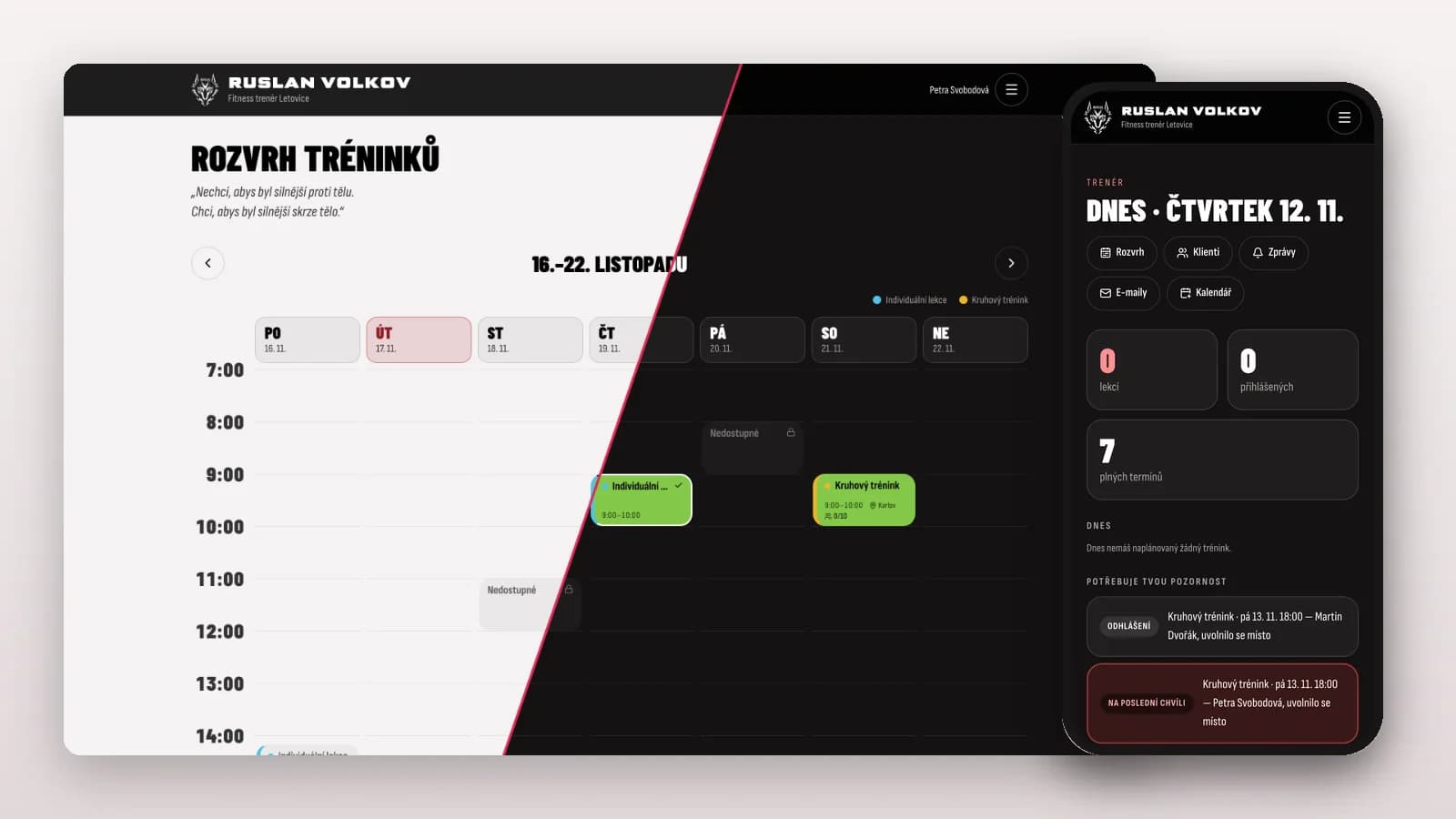
A custom booking system for a personal trainer. Clients sign up for training from their phones, and the trainer has an overview of every session.
View project →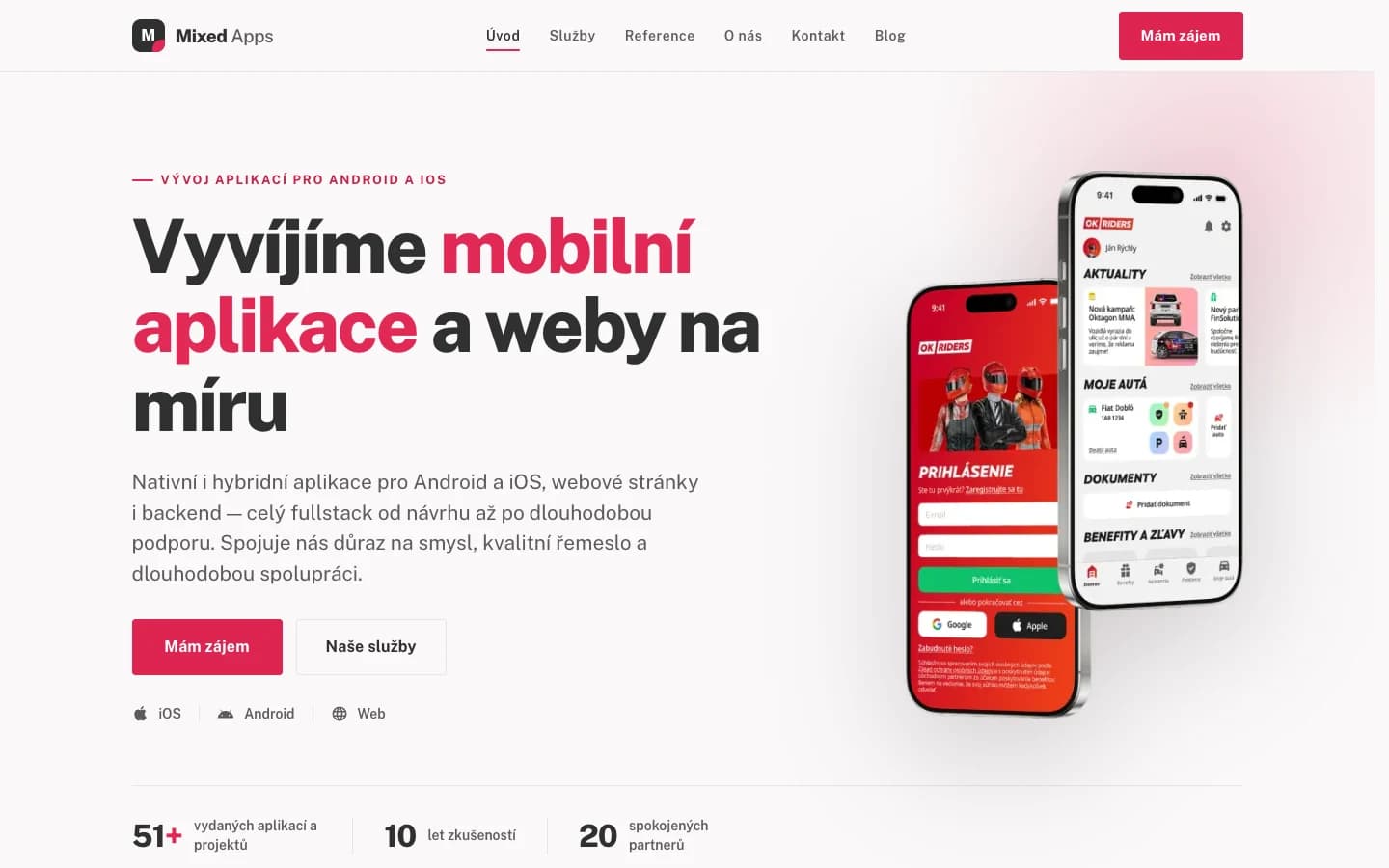
MixedApps — studio website
A custom company website in Next.js: services, portfolio and blog, running on our own VPS.
View project →Have a similar project?
Leave us a message or give us a call — we'll talk through your idea and propose a solution tailored to it.
We usually reply within 24 hours.