Custom POS, warehouse and other business apps
We build mobile and web apps for everyday business operations: POS systems, warehouse management, orders, bookings and fieldwork. We also help prepare for EET, the Czech electronic sales registration system, and integrate with your system.
 Josef ZapletalOctober 30, 20266 min read
- Android
- iOS
- Web
- POS systems
- EET
Enter a sale, receive goods, submit an order or report a fault directly from the field. Every business has its own processes, and people need the right information at hand. If they reenter it in several systems or call a colleague for every change, errors and unnecessary work can follow.
At MixedApps, we build custom mobile and web apps. We help with sales and warehouse management, orders, bookings, recordkeeping and fieldwork. We design the app around how your people actually work and connect it to your systems and devices. Using examples of POS systems, preparation for EET, the Czech electronic sales registration system, and other projects, we show what a solution like this can offer.
POS systems: from entering a sale to a receipt
A point-of-sale (POS) app can work in a store, at a market stall or on a customer visit. Staff select items from a price list or enter an amount, adjust quantities and complete the sale. Payment, a receipt and a sales overview follow.
Depending on the business's needs, we can provide:
- Sales and price lists: product selection, amount entry, discounts and handling open transactions.
- Payments and accessories: payment terminal integration, receipt printing and cash drawer control on compatible devices.
- Receipts and reports: receipt history, closing reports and data transfer to your system.
We also develop the mobile component for POS system providers who want to extend their products with sales on a phone or tablet.
Preparing a POS system for EET 2.0
If you already have your own POS app, we will review the options for integrating it with EET 2.0. We check how the app records sales, where the data to be submitted is created and what staff should do when an error occurs. We then propose the necessary changes and how to verify them.
Technical preparation includes certificate handling, communication with the sales registration interface and processing responses. We work from the current developer resources published by the Czech Financial Administration, which provides technical documentation and information about the Playground test environment. We test the integration separately from live operations.
We handle EET as part of the entire sale. The app must distinguish between a successfully submitted sale, a configuration error and a connection outage. Staff need to see what succeeded and what still needs attention. Testing therefore also covers how the app behaves when communication is interrupted.
Warehouse management apps: receiving, locations and inventory counts
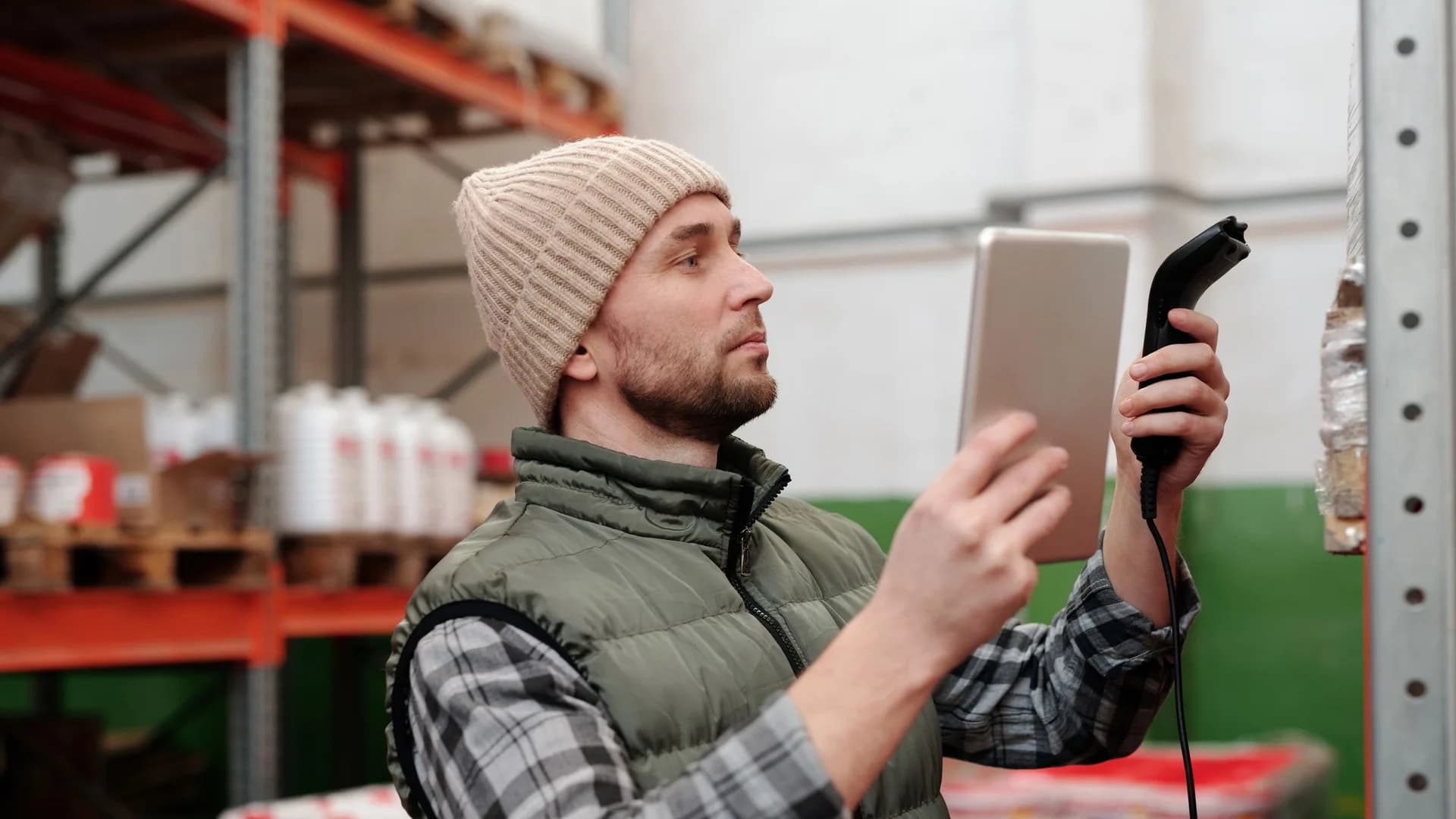
In a warehouse, people need to see the relevant information right beside the goods. They scan a barcode, and the app displays the item, its warehouse location and the recorded quantity. When receiving goods or taking inventory, they enter the number of units and send the change to the system.
We design the controls for the specific task: receiving a delivery, checking stock or picking orders. A handheld scanner can be connected for frequent scanning; the phone's camera may be enough for occasional scans. We test the choice of device and scanning method against the conditions in your warehouse.
Depending on the business's needs, we can also add issuing goods, transfers between warehouse locations or checking a picked order. Stock movements are sent to the connected system so staff do not need to enter the same information again at a computer.
Our experience includes the app for NěmeckýEshop.cz, a Czech online retailer, where we handled goods receiving and inventory counts with a handheld barcode scanner. For ExitShop, a Czech e-commerce platform, we developed an app for receiving stock and displaying product quantities and locations, connected to the e-commerce system. It scans barcodes with the phone's camera.
Orders, bookings and fieldwork
We use the same approach for other apps: people complete a specific task where they work and send the data to the connected system. This might mean creating an order, booking an appointment, keeping equipment records or reporting a fault with a photo.
Examples in our portfolio include:
- Valenta ZT: an ordering app for this Czech online store, in which users scan an EAN code, adjust the quantity and submit their cart to the e-commerce system.
- Vanguard: a mobile app for booking shared spaces, viewing utility consumption and accessing other residential services.
- Guardian: an app for reporting railway infrastructure faults directly from the field and tracking their resolution.
Depending on the requirements, we can build a standalone mobile tool, a web app for the office or a connected combination of both. What matters is who will use the app, what data they need and what they need to get done during the day.
Connecting to your systems and devices
Do you have your own online store, warehouse, booking or other business system? The app can build on the data you already keep there. We agree on where it gets items, customers or tasks, where it sends changes and which system holds the authoritative data. Integration options depend on the available interfaces. The solution can also include a custom backend and web admin interface.
For a sale linked to a warehouse, for example, we need to determine when stock is deducted, what happens when a sale is canceled and how the change reaches the online store. We design these steps together around your operations.
We give the same attention to connected hardware. If a terminal does not respond after a card is tapped, staff need to check the payment result. If printing or the internet connection fails, the app should clearly show what to do next. Before deployment, we therefore test the entire workflow on the specific devices. We explain more in our article on Bluetooth in mobile apps.
A real-world example: Conto Mobile POS
For the Czech company CONSULTA BÜROTECHNIK, we develop Conto Mobile for Android. It brings together sales, payments, receipts and sales reports on phones and tablets. Its ongoing development also includes EET 2.0 support, payment terminals and printers. It is one example of how our work connects a mobile app to POS accessories and external services.
When a custom app is worthwhile
An off-the-shelf product can serve many common business tasks well. Custom development makes sense when you need to support a specific workflow, integrate your own system or add a mobile or web app to your product.
You can start with one task, such as receiving goods with a scanner, taking an order at a customer's premises or reporting a fault from the field. We choose the scope so the app addresses a specific need and can continue to grow.
How we start working together
First, we go through the workflow you want to simplify. We want to know who uses the app, where they reenter data manually and which steps slow them down. For the design, it helps to have:
- examples of the data, forms or documents people work with,
- information about the system the app needs to connect to,
- a list of phones, tablets, scanners, printers and terminals,
- the number of users and requirements for working without an internet connection.
Based on this, we propose the app's scope, check the integration options and prepare a development plan. After deployment, we take care of maintenance and further development, including changes to mobile platforms, the libraries used and external service interfaces.
Which workflow should your app make easier? Tell us how you work today and what you want to connect. We will explore the options together. You can find more examples of our mobile and web apps in our case studies.

Leads Android development. He started out with Microsoft technologies (.NET, C#) and today lives and breathes native Android and everything around it.
More about the team →Warehouse and POS apps
Mobile apps for warehouses and stores: receive and count stock with a handheld barcode scanner and run a POS on Android. No expensive terminal needed.
Related projects
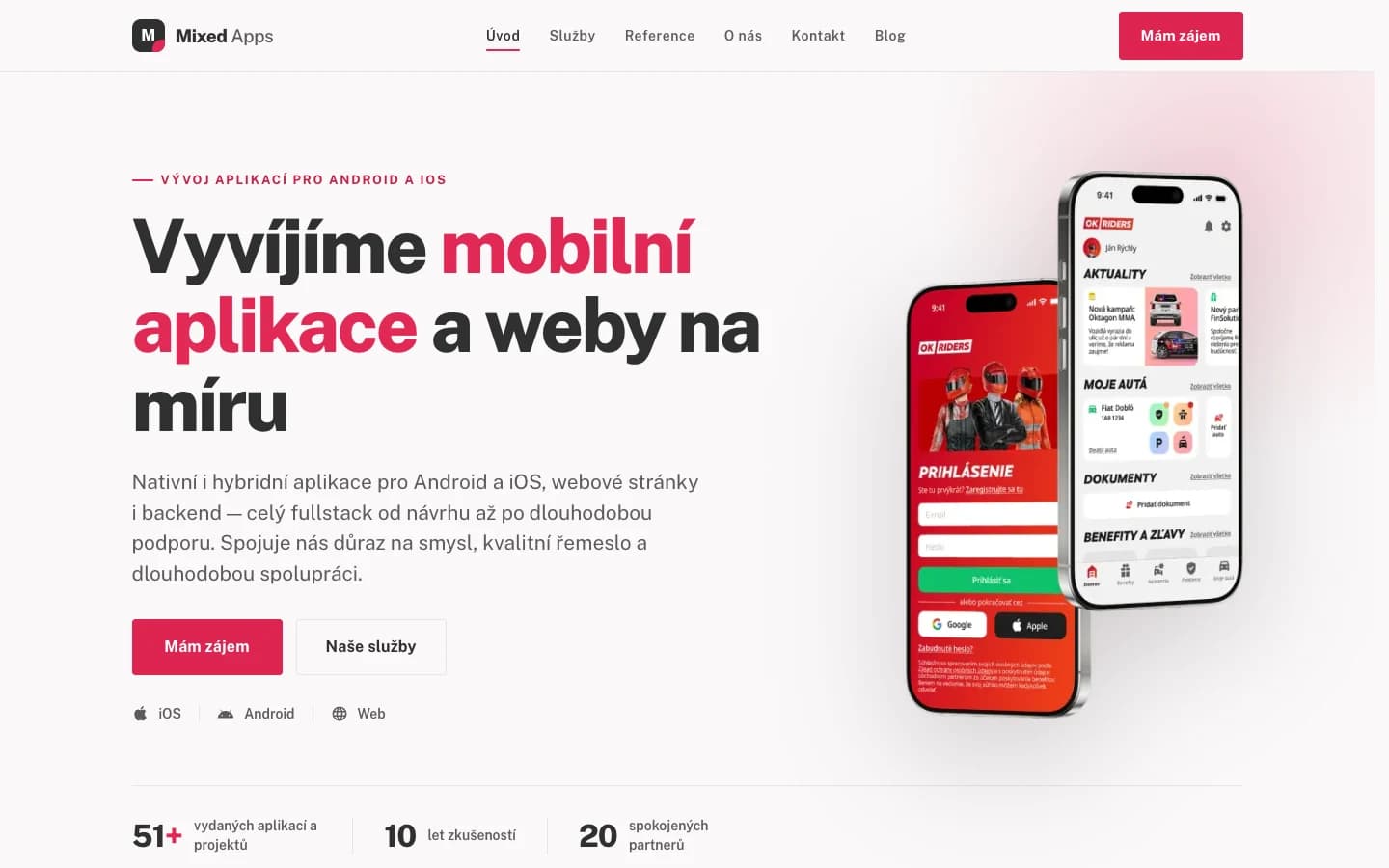
MixedApps — studio website
A custom company website in Next.js: services, portfolio and blog, running on our own VPS.
View project →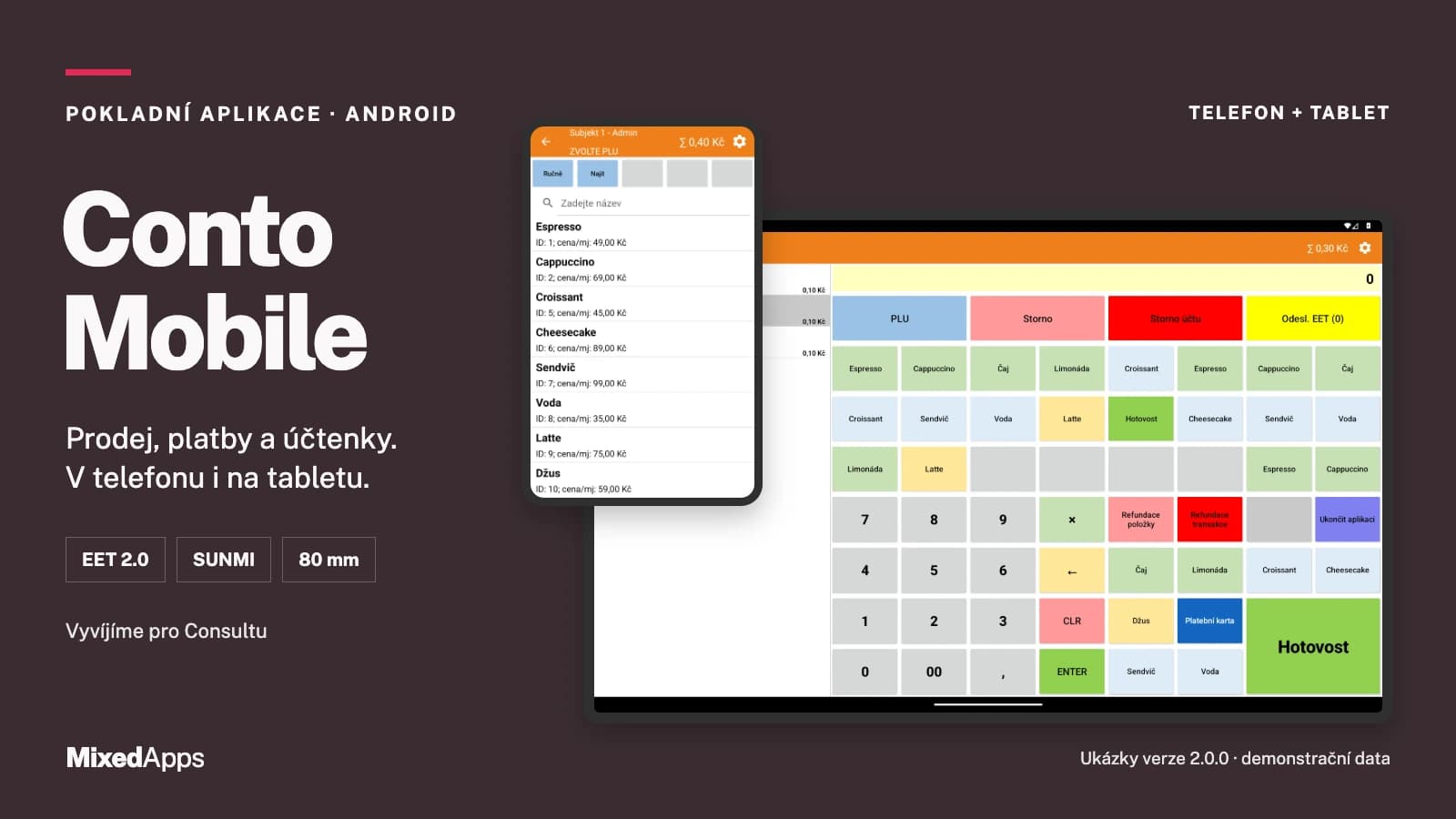
Conto Mobile — POS app for Android
From ringing up a sale to the receipt. A point of sale on your phone or tablet.
View project →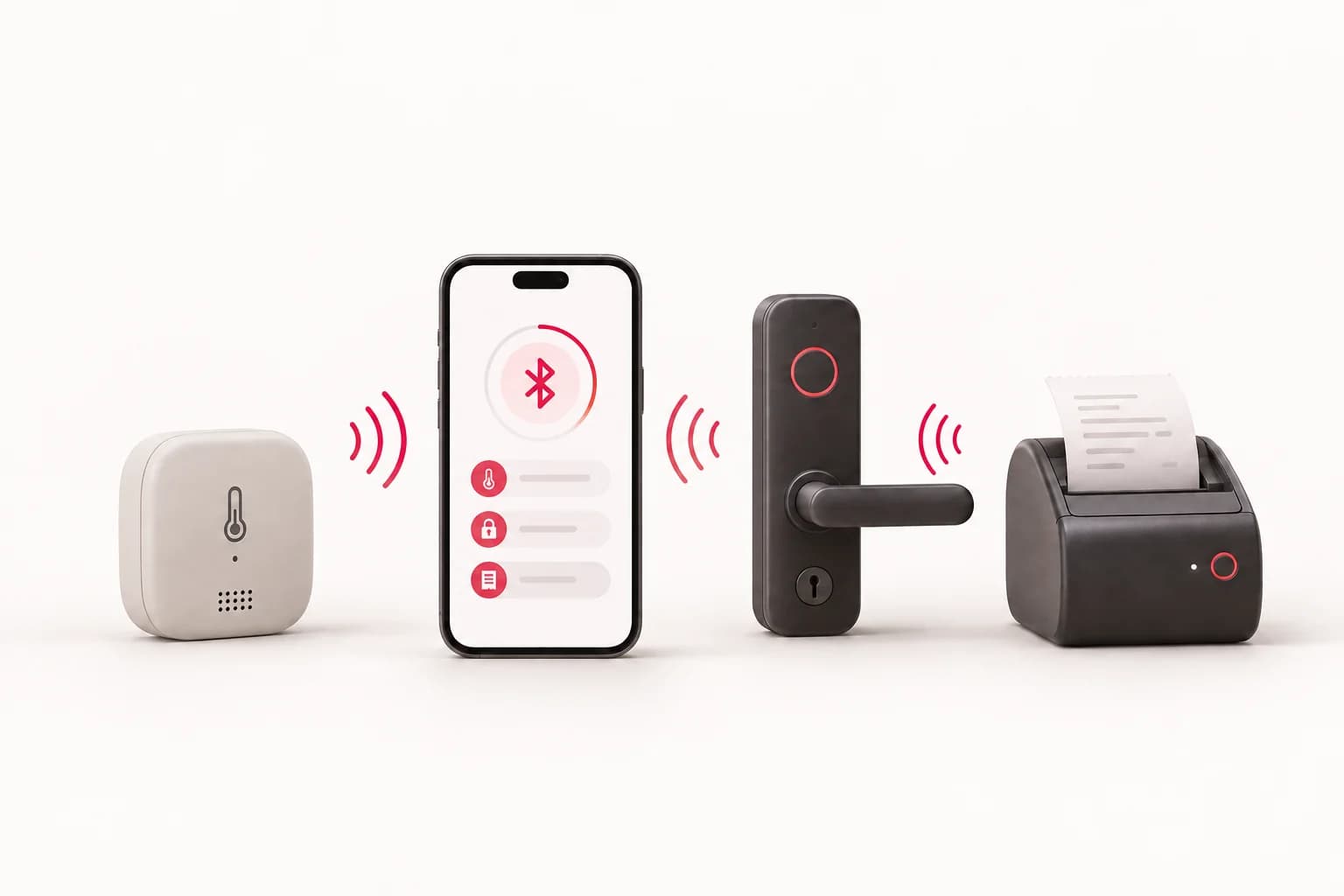
Have an idea?
Leave us a message or give us a call — we'll get back to you promptly and discuss how to turn it into an app or website.