Comparing platforms for mobile app development
Before development starts, we often discuss with clients whether to build an app natively or cross-platform. This article gives a basic comparison of the approaches and platforms, with their main advantages and drawbacks. We hope it helps you choose the right one for your project.
 Libor ZapletalJune 10, 20245 min read
- Choosing a technology
- Native
- KMP
- Flutter
- React Native
- WebView

Comparing the main platforms
Native development: Android (Kotlin/Java) and iOS (Swift/Objective-C)
Native development means building a separate app for each operating system, using the tools provided by the platform's makers. The result is two separate apps (one for iOS and one for Android).
We build apps natively when maximum performance and full use of the device matter most.
Advantages
- Optimized performance and direct access to the hardware — you can use everything the platform offers, including new platform features as they become available.
- The best user experience — the app uses the platform's own controls and visuals, which is what users are used to. This improves the user experience (UX).
- Direct access to platform APIs — from sensors (GPS, gyroscope) and Bluetooth to augmented reality (AR, VR and related libraries). Native apps still have to respect system permissions and background execution limits.
- Long-term maintainability and extensibility.
- Widely known among developers, with a strong community — there are plenty of libraries, plugins, tutorials and other resources.
- This approach won't "die", which can happen to some cross-platform frameworks or hybrid solutions.
Drawbacks
- Higher costs and longer development.
- Both apps have to be tested separately.
- Maintaining and extending the app takes more time and money (there are two codebases).
Examples of native apps: Spotify, Uber, WhatsApp, …

Cross-platform development: Kotlin Multiplatform, Flutter, React Native, Xamarin
Cross-platform development lets you build apps that run on several platforms from one shared codebase. You have one app and one codebase for both iOS and Android.
We use Kotlin Multiplatform the most. It lets you share code between platforms without giving up the speed of a native app. You can also share the user interface (Compose Multiplatform), or keep a native UI on Android and iOS — something Flutter, for example, doesn't allow. The app can be released for Android, iOS, desktop and the web. In our experience, it saves up to 30% of the costs compared with native development (an estimate that depends on the project), while keeping the advantages of native development. If Kotlin Multiplatform were ever discontinued, at least the Android code would remain and keep working after some adjustments. This is how we built, for example, the IKR-HZSZLK crisis management app.
Update (2026): When this article was first written in December 2023, Kotlin Multiplatform was still in its early days and we mostly used Flutter. Today Kotlin Multiplatform is stable, Compose Multiplatform for iOS (shared user interface) has been stable since May 2025, and it has become our main cross-platform technology.
Considering this approach for your project? Take a look at Kotlin Multiplatform app development, where we explain the options for sharing code and show the IKR-HZSZLK and OK Riders apps.
Another widely used technology is Flutter by Google. For some kinds of apps it is a good compromise between the speed and cost of development on one side and app performance on the other. You get one shared codebase for both operating systems, so the apps also share the same design and UI. In our experience, this approach can save up to 40% of the costs (again an estimate that depends on the project).
React Native by Meta (Facebook) is also popular. Apps are written in JavaScript and React (a library for building UIs). Many developers know JavaScript, which makes this technology a natural choice for them.
Finally, there is Xamarin by Microsoft, which uses C# and the .NET platform. Microsoft ended its support in May 2024 and its successor is .NET MAUI. For developers with C# experience, .NET MAUI makes more sense today than Xamarin.
Advantages
- Most of the code is shared between both platforms.
- Lower costs and shorter development.
- Consistent look and features on both platforms (which can also be a drawback).
- Easier maintenance — changes are made in a single codebase.
Drawbacks
- Possible limits on hardware access.
- Less optimized performance compared with native development (this doesn't quite apply to Kotlin Multiplatform).
- A smaller developer community — these frameworks don't have as long a history as native development. React Native currently has the largest community and support, Flutter's community is growing fast and Kotlin Multiplatform is on the rise too.
- The layer on top of native code is another possible source of bugs.
Examples of Kotlin Multiplatform apps: Netflix and more case studies
Examples of Flutter apps: Google Ads and more case studies
Examples of React Native apps: Facebook and more case studies
Hybrid apps: Ionic, Cordova
Hybrid apps are essentially web apps wrapped in a mobile app and displayed in a built-in browser.
Advantages
- Easy development using web technologies (HTML, CSS, JavaScript, …), convenient for web developers.
- Simple deployment.
Drawbacks
- Noticeably lower performance.
- A more limited user experience.
- A smaller community than, for example, React Native.
How to choose the right approach
- App requirements (features): For complex hardware integration, augmented reality or playing DRM-protected video, first check the available APIs and the manufacturer's SDKs. Native development gives you direct access to the platform, but Bluetooth, for example, can be handled in a cross-platform app too. What matters is support for the specific device, background processing and the quality of the available libraries. We describe the differences between Android and iOS in detail in our article on Bluetooth in mobile apps.
- Budget and time constraints: For projects with a limited budget or a need to reach the market quickly, cross-platform development may be the better fit.
- Target audience: Consider which platforms your target audience uses most and choose the development approach accordingly.

Conclusion
Choosing the right platform for mobile app development depends on many factors, including your target audience, budget and the specific requirements for the app. Native development offers the best user experience and performance, while cross-platform solutions offer faster and cheaper development. Hybrid technologies such as Ionic or Cordova, on the other hand, are something we recommend avoiding.

Builds our apps for iPhone and iPad. He saw the potential of Apple's platforms and has focused on iOS development ever since.
More about the team →Kotlin Multiplatform
We build Android and iOS apps with Kotlin Multiplatform. Experience from IKR-HZSZLK, OK Riders and Meteosource: shared logic and UI, tailored to each project.
WebView apps
We turn your website into an Android and iOS app: WebView with push notifications and device features, prepared for App Store and Google Play approval.
Related projects

IKR-HZSZLK
Crisis resources and both crisis management directories in one secure mobile app — for firefighters, municipal crisis staff and the emergency services.
View project →
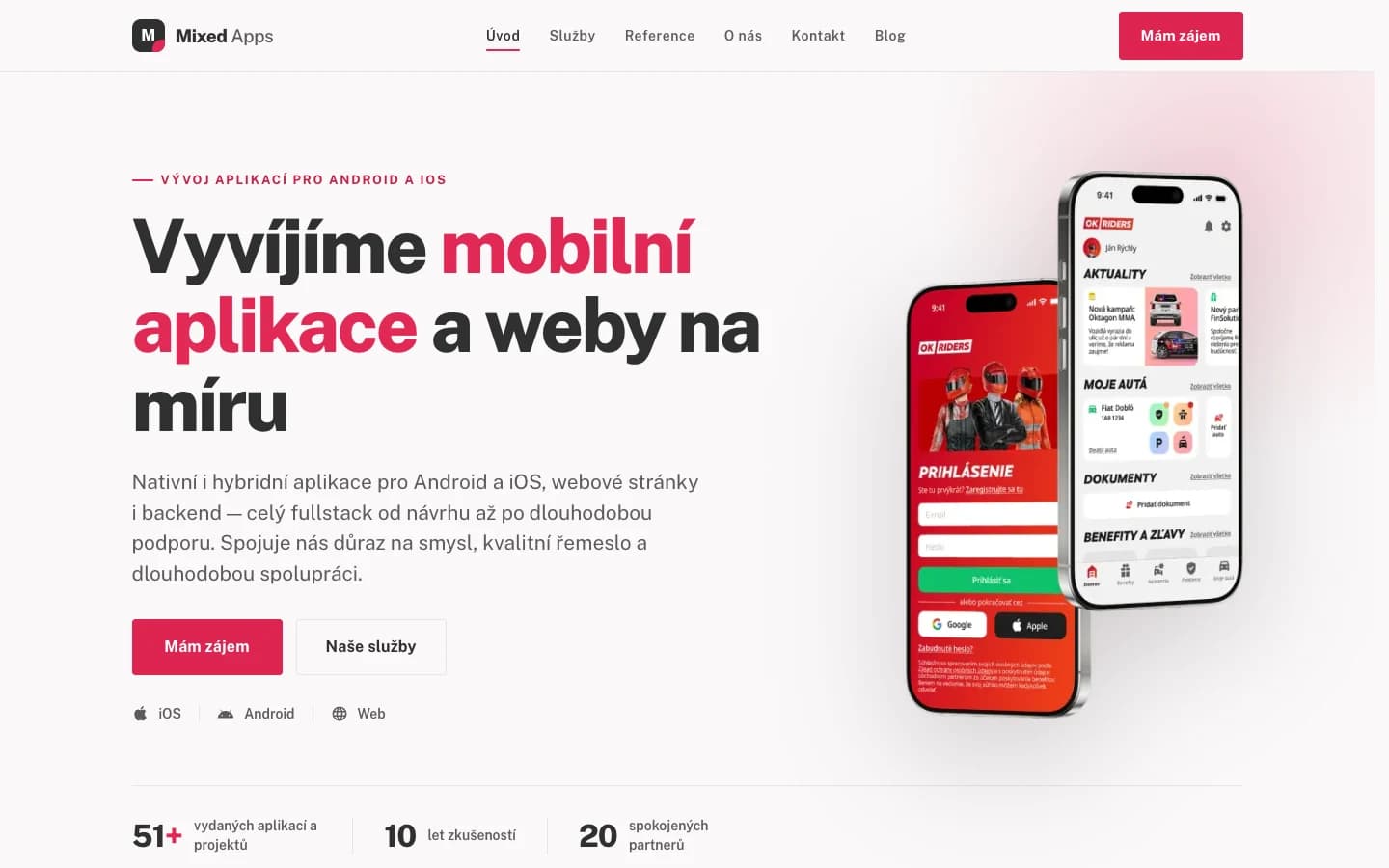
OK Riders
A unique app full of tools and discounts that helps you keep your car under control
View project →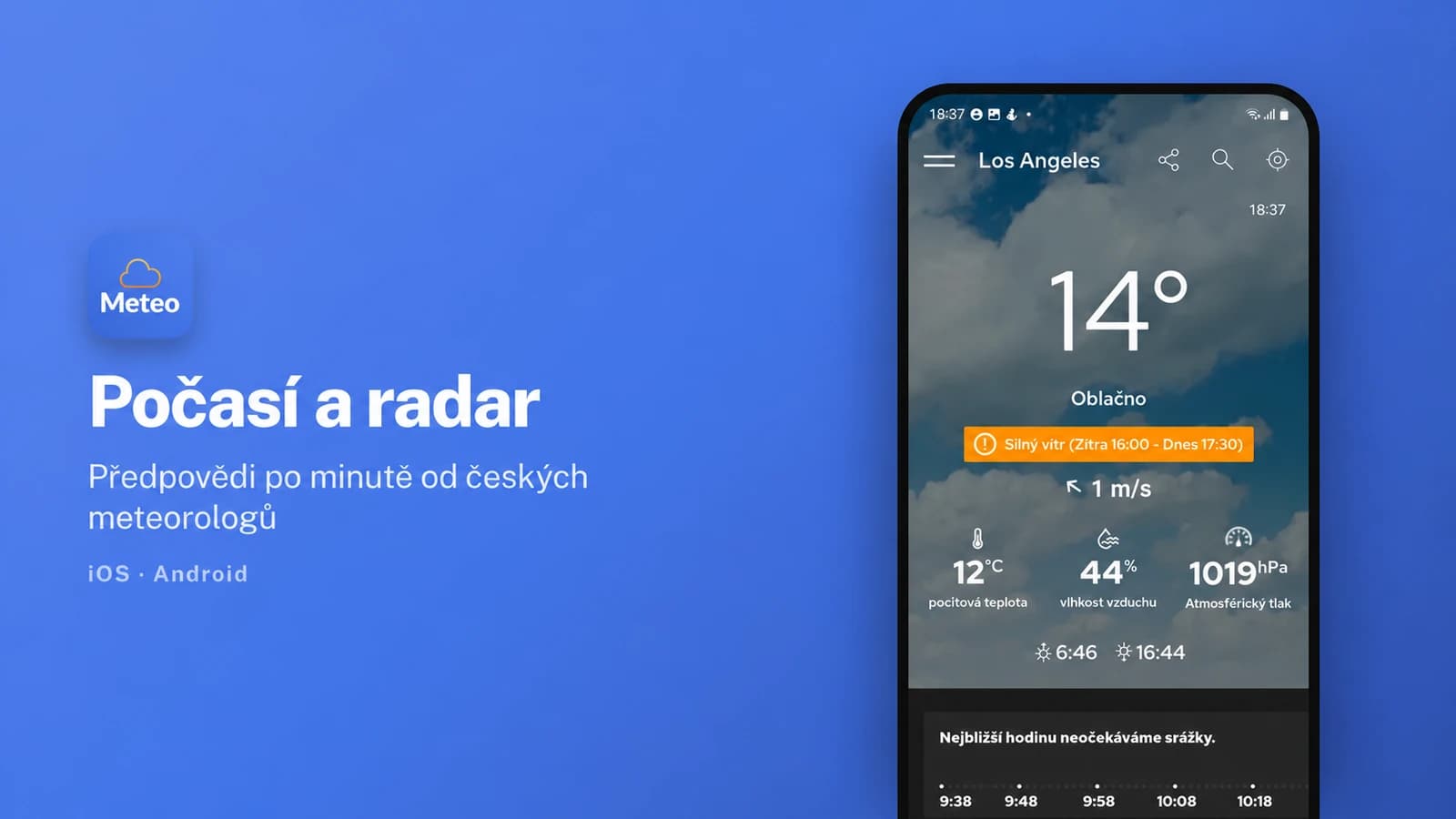
Meteosource Weather and Radar
Minute-by-minute forecasts, radar and weather alerts for iOS and Android.
View project →
Have an idea?
Leave us a message or give us a call — we'll get back to you promptly and discuss how to turn it into an app or website.