Publishing an app on the App Store: rules, review and rejection
What does Apple check before an app is released, and how should you respond to a rejection? A practical guide to App Review: access, privacy, sign-in, payments, WebView and the release itself.
 Libor ZapletalJune 12, 20247 min read
- App Store
- App review
- Payments
- Privacy
- WebView

To be approved for the App Store, an app must work, be accessible for testing and clearly explain its data handling and payments. We therefore address some requirements during design, before the app is submitted to the store.
Below are the main points for app operators and the steps to take after a rejection. The article What to prepare before releasing an app on the App Store and Google Play covers the copy, visuals and other materials.
We checked the rules on September 26, 2026, against the App Review Guidelines and related Apple guides.
The App Store review process
The developer uploads a build of the app, adds the required materials and submits it through App Store Connect. Be aware: Add for Review only prepares the submission; you still need to submit it. How to submit.
| Status | What it means for you |
|---|---|
| Waiting for Review | The submission is waiting to be reviewed. |
| In Review | Apple is reviewing the app; watch for any messages. |
| Metadata Rejected / Rejected | Something needs to be explained or fixed based on the reviewer's message. |
| Pending Developer Release | The approved app is waiting for a manual release. |
| Ready for Distribution | The version is ready for distribution; check its availability in the selected countries. |
The App Store Connect documentation explains each status in detail.
Apple says that, on average, it reviews 90% of submissions within 24 hours. This does not guarantee approval or release by the next day. Incomplete materials slow down the review; allow time in your plan for fixes and another round. Review timing information.
Test account, server and hardware
The reviewer must be able to access the main features. Prepare a working test account, the necessary permissions, sample data and brief instructions. The server must also be accessible from outside your company network. Advice from the App Review team.
Before submitting, we recommend testing access on a fresh install. The account should not require an SMS sent to an employee, and it must also provide access to sections that normally require a subscription or a particular role.
For our smart lock app, for example, we provided a video showing an Apple device controlling a smart door handle. The materials needed depend on the individual review; Apple may also request the accessory itself. Preparing for review, Star E-key case study.
For more on connecting to hardware, see our article on Bluetooth in Android and iOS apps.
Common reasons for app rejection
The following overview is a quick checklist, rather than a statistical ranking.
| Area | What we recommend checking |
|---|---|
| Functionality | Crashes, broken sign-in, missing data or an unavailable server |
| Description and screenshots | Whether they match the submitted version and the features actually available |
| Privacy | Consistency between the app, the services it uses and the store information |
| Account | Sign-in and the entire account deletion process |
| Payments | Price, subscription terms and restoring access |
| App value | What users specifically gain by installing the app |
Before submitting, we therefore recommend testing the main flows from start to finish on a real device, including denied permissions and connection loss. Testing through TestFlight helps uncover bugs, but does not replace approval for a public release.
Screenshots must show the appropriate device and the actual interface. We know from experience that even details such as an unsuitable status bar or a mention of another platform can complicate the review. Apple's advice on submission materials.
Privacy, sign-in and account deletion
Privacy information must reflect what actually happens, including analytics and other third-party services. We therefore prepare App Privacy answers based on the behavior of the entire app. App Privacy.
Explain the specific reason for each permission: for example, "We need camera access to scan the device's QR code." If you share personal data with an external AI service, Apple requires a clear explanation and prior explicit consent. Rules for sharing data with AI.
Apps that allow account creation must let users initiate account deletion in the app. Requiring an email to support or simply deactivating the account is generally not enough. Deletion does not have to be immediate, but the user must know the time frame and receive confirmation. For subscriptions, explain that deleting the account does not automatically stop billing through Apple. Account deletion rules.
Sign-in through Google or Facebook may require an equivalent alternative that protects privacy, typically Sign in with Apple. Exceptions exist, for example for apps using only their own sign-in or existing business and school accounts. We assess the specific scenario during design. Guideline 4.8.
Payments and subscriptions: the product and region matter
First, determine what the customer is buying and where they will use it.
| Purchase | Basic approach |
|---|---|
| Digital features or a subscription | In-App Purchase is the default requirement; regional and other exceptions exist. |
| Physical goods or a service, such as a ride | A standard payment gateway or Apple Pay can be used. |
| Access to books or videos already purchased | May fall under the special rules for reader apps. |
Details: in-app purchases, Apple Pay, reader apps.
Links to purchases outside the app are not prohibited everywhere. The options vary by market and agreements. In the EU, Apple announced unified terms effective October 1, 2026, after the date this article was checked. The payment model therefore needs to be checked for each specific release. EU changes.
For subscriptions, clearly state what is included, the renewal period and price, and, where applicable, the trial length and price after it ends. Provide purchase restoration or sign-in for existing subscribers, along with links to the terms and privacy policy. Subscription requirements.
WebView, user-generated content and specialized apps
Simply wrapping a website may not be enough. Apple assesses the app's usefulness and actual behavior. Adding push notifications alone does not guarantee approval either. For WebView apps, we therefore address their value, navigation and integration with the phone in advance. Minimum functionality.
If the app includes chat or user posts, it also needs filtering for objectionable content, problem reporting, blocking of abusive users and contact information for the operator. User-generated content rules.
Apps for children and health features come with additional requirements. We go through these individually for each product; they may affect feature design and the choice of external services from the outset. Apps for children, medical devices.
What to do if Apple rejects your app
Address a rejection based on the specific message, rather than guesswork:
- Read every issue raised and reproduce the described scenario.
- Identify the fix: copy, configuration, server or app code.
- Verify the result and respond to the reviewer point by point.
- Complete the resubmission, so you do more than save a reply.
For an issue limited to metadata, correcting the materials and submitting the same build may be enough. A code change requires a new build. If you disagree with the interpretation of a rule, you can appeal to the App Review Board after communicating with the reviewer. Communicating with App Review, resolving issues and appeals.
For a critical bug or a specific time-sensitive event, you can request an expedited review. However, you cannot rely on it as a standard release time frame. App Review advice.
Checklist before submitting to App Review
- The reviewer receives working access, data and brief instructions.
- The main features have been tested, and the screenshots match the app.
- We have actually tested privacy, sign-in, account deletion and payments.
- We have materials ready for specialized features.
- We know who will respond to the reviewer and who will release the app.
Approval and release are two steps: a version can be released automatically or manually. Agree on this in advance based on the readiness of the server, support and campaign. Release options.
Preparing your first release or dealing with a rejected app? Get in touch. We can help with the materials, technical checks and communication during review.

Builds our apps for iPhone and iPad. He saw the potential of Apple's platforms and has focused on iOS development ever since.
More about the team →WebView apps
We turn your website into an Android and iOS app: WebView with push notifications and device features, prepared for App Store and Google Play approval.
Related projects
ChatNaWeb
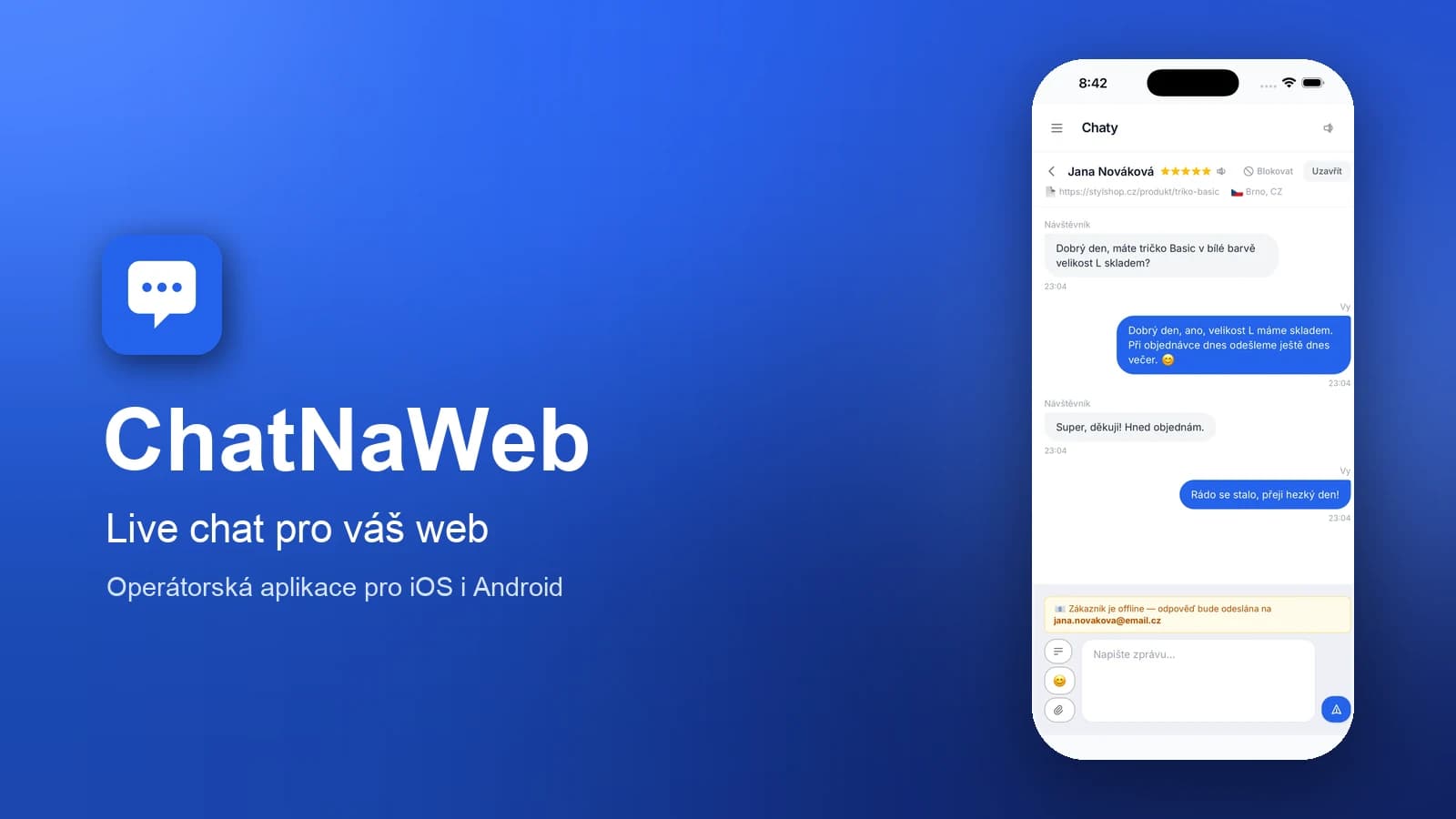
Live chat for your website — and a mobile app where operators answer visitors from anywhere.
View project →


Have an idea?
Leave us a message or give us a call — we'll get back to you promptly and discuss how to turn it into an app or website.